Your ads, inside ChatGPT answers
Growomat now builds, runs and reports on ChatGPT Ads beside your Google, Microsoft, Reddit and Meta campaigns. What a chat card needs, and what stays in your hands.
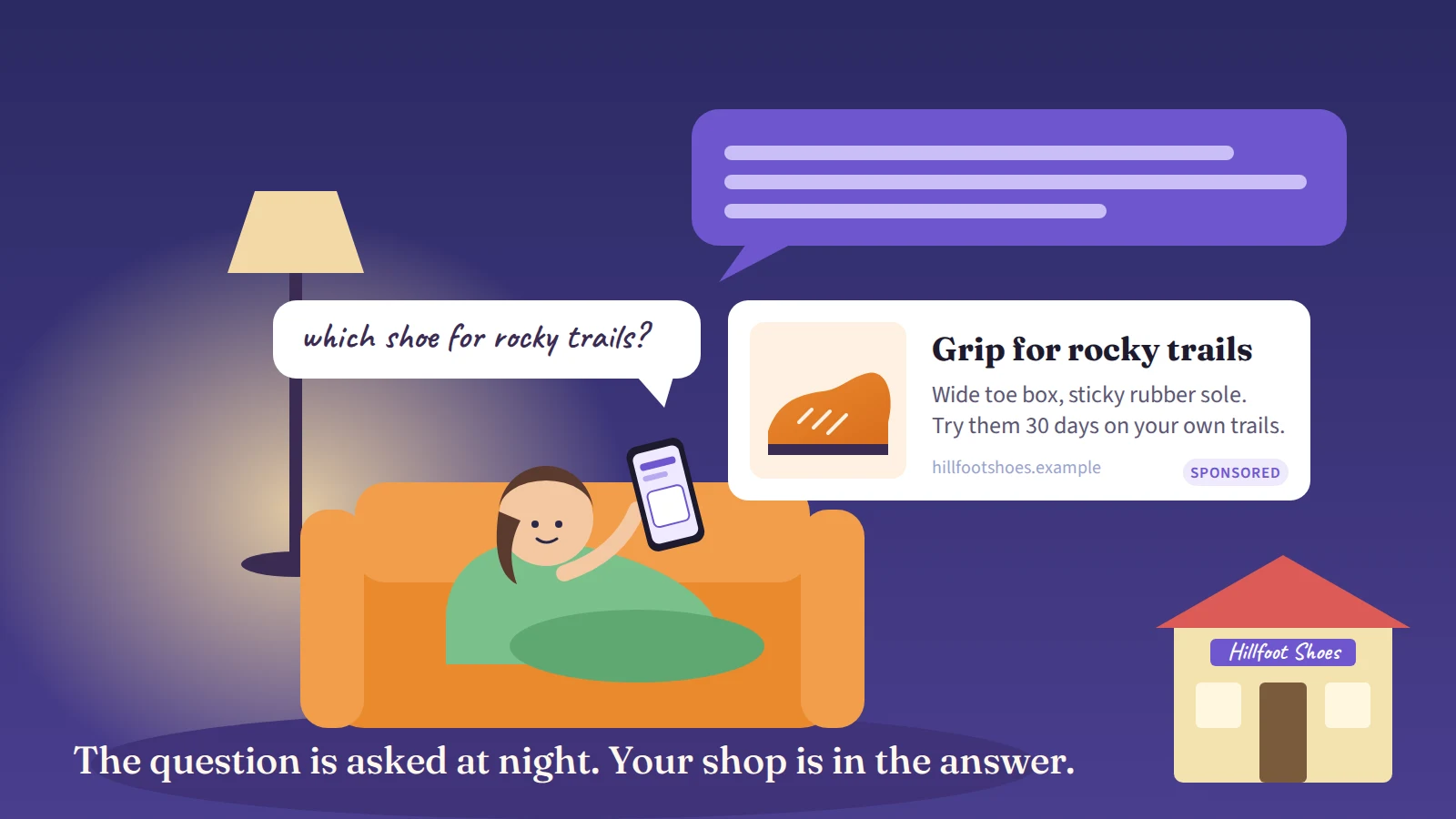
ChatGPT Ads is the fifth platform Growomat runs. Connect the account, and the campaign you already wrote for search and social gets a chat card too: built, checked, pushed paused, and reported in the same place as the other four.
People are asking ChatGPT the questions they used to type into a search box. "Which running shoe for rocky trails." "How do I get my team's tasks and docs in one place." OpenAI now sells space in those answers, and for a small business that is a hard channel to get right: a new console, a new ad format with its own limits, and a new set of rules for what is allowed to serve.
So we made it the same job as the other four.
What a chat card is
A ChatGPT ad is one card, shown under an answer with a Sponsored label. It carries a title of up to 50 characters, one line of body text of up to 100 characters, an image, and the page it links to. That is the whole format. No headlines to rotate, no sitelinks, no extensions.
Two rules matter more than they look:
- Every card needs an image. At least 640 by 640 pixels. Growomat will not push a card without one, and the check that runs before anything is sent says so.
- The title and body limits are hard. The platform refuses anything longer. Growomat blocks at the same numbers, so the refusal never reaches you.
The preview in the campaign editor draws the card the way it appears in an answer, so you approve the exact thing that will run.
What happens to your keywords
ChatGPT Ads has no keywords. It has context hints: plain phrases on the ad group that describe when the ad is useful. "Lightweight trail shoes for rocky terrain" is a good hint. "Shoes" is not.
Growomat turns the keywords you already wrote into hints, and tells you what is lost on the way: no match types, no per-keyword bids, no negatives. That loss is named in the campaign's channel tab before the push, not discovered in a report afterwards.
Where it shows, and how it bids
Targeting is by country, region or market, and by where in ChatGPT the ad may appear: the iOS app, the Android app, the web, or individual browsers. Leave the surfaces unset and the campaign reaches all of them.
Bidding is a fixed cost per click, maximize clicks, maximize conversions, or a target cost per action. Daily and lifetime budgets are both supported, with one platform rule Growomat enforces for you: automatic bidding needs a daily budget, and a campaign that has switched to daily cannot go back to lifetime.
Results come back, in your numbers
Impressions, clicks, spend, click-through rate, cost per click and cost per thousand land in the same reports as the other four platforms, with breakdowns by country, device and ChatGPT surface. Conversions and attributed sales come back once the account has a pixel.
Growomat can also send your own conversions to ChatGPT Ads, so its bidding learns from the sales you actually recorded rather than from what a browser managed to see. It is off until you switch it on, and it shows you first what will be sent: email addresses, phone numbers and names are hashed before they leave; the click reference, the order value and the time of the event go as they are. Refunds and corrections cannot be sent, because the platform has no way to receive them.
Three things the platform decides, not us
- Brand review. Nothing serves until ChatGPT Ads has approved the account's name and icon, and until then every ad can only point at the website registered on the account. Growomat shows this as a setup task with a link to the right screen. Imports and reports work in the meantime.
- Ad review. Every card is reviewed before it runs, and editing a card sends it back for review. The review status sits on the ad in Growomat, with the reason if it was turned down.
- The minimum daily budget. It depends on the account currency and the platform does not publish it. Growomat holds the floors the platform has actually sent back. For any other currency it shows you the platform's own message rather than a number we made up.
Nothing goes live until you say so
Same rule as every other platform. A campaign pushed to ChatGPT Ads lands paused. Enabling it is a separate step that you take, in Growomat or in ChatGPT Ads Manager. Autopilot treats it like the other four: daily budget and campaign status on ChatGPT Ads, as on Google Ads, Microsoft Advertising, Reddit Ads and Meta Ads. Changes that depend on conversions wait until your conversion events are actually flowing.
How to connect
- In ChatGPT Ads Manager, open Settings and create an Advertiser API key. One key covers one ad account.
- In Growomat, open Connections, choose ChatGPT Ads and paste the key. Growomat checks it against the account before storing it.
- Add a second connection for a second account.
The connection works in the app, through the public API and in Claude, like every other platform. If you would rather read what the platform's own API refused us on the way here, the engineering write-up is what the ChatGPT Ads API does differently.
Growomat Product Team
Run all four platforms from one place.
Build, optimize and report on Google, Microsoft, Reddit and Meta campaigns without an agency retainer.
See what it costsRead next
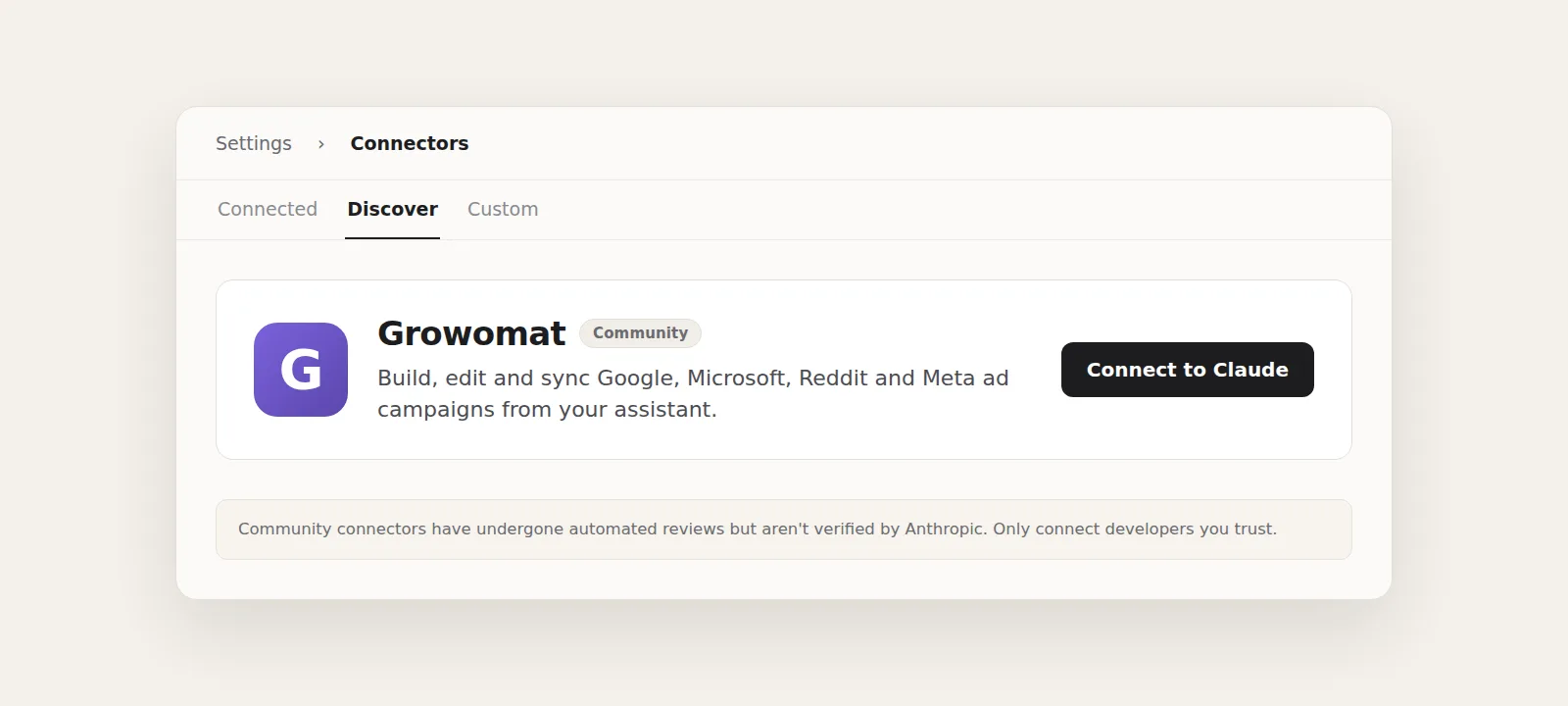
Your ads, one click away in Claude
Growomat is in the Claude connectors directory, so connecting takes one click. What you can ask for once it is connected, and what it will never do without you.

See what your competitors run, and where they beat you
Growomat now shows who you compete with for customers, what their ads are offering, and tells you when they change something that matters to you.