See what your competitors run, and where they beat you
Growomat now tracks the competitors you meet in your auctions, finds their ads in the public libraries, and tells you when they change what they say.
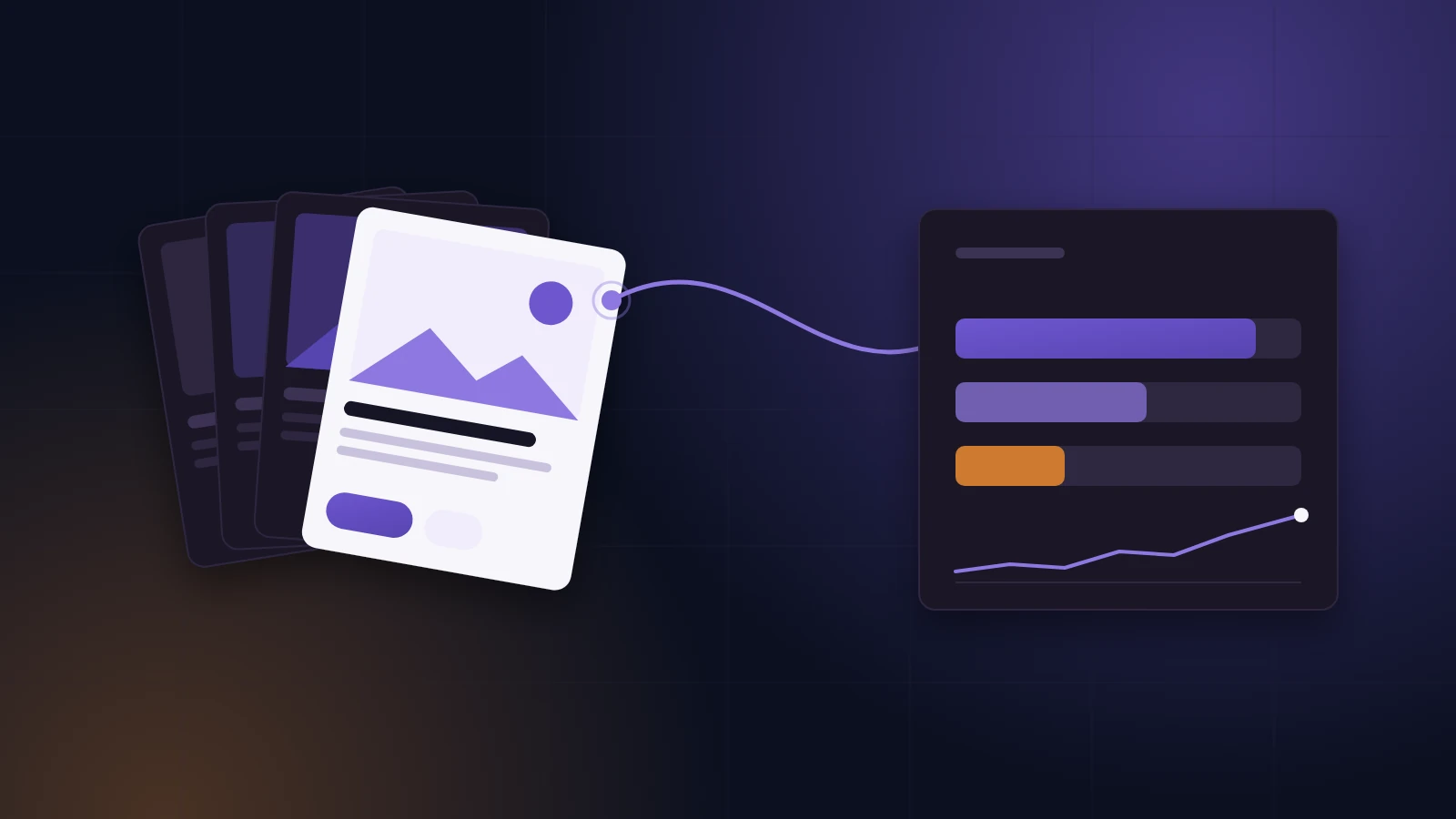
Every business that advertises has competitors it meets in the auction. Most never see them. They see a price that goes up, an impression share that goes down, and a search term with somebody else's name in it. Growomat now puts those competitors on one screen, next to the evidence for each one: what they publish, what they lead with, and where they outrank you.
Until now, finding out what a competitor is running meant four browser tabs. The Google Ads Transparency Center, the Meta Ad Library, the LinkedIn Ad Library and the TikTok Ads Library each have their own search box, their own rules about which ads they keep, and their own idea of who an advertiser is. You searched one competitor in four places, copied what you found into a document, and did it again a month later if you remembered.
None of those libraries tells you whether an ad worked. That is the part most tools in this space quietly skip, and it is where we started.
Two halves, joined
Competitor research in Growomat has two sources, and the point of the feature is that they meet on one page.
What they publish comes from the public ad libraries. The platforms publish them by law, mostly in the EU, and Growomat reads them through their official access or a licensed data provider. Growomat runs no crawler and never scrapes a competitor's website.
Where they beat you comes from your own ad accounts. On Microsoft Advertising, your account reports every advertiser you met in the auction: how often you both showed, how often they ranked above you, and how often you outranked them. Google keeps that report out of its API, so Growomat reads the Auction insights file you download from Google Ads instead. Every number from an upload carries the date of the upload and the period it covers.
A library on its own tells you what someone said. Auction data on its own tells you somebody is winning, without saying how. Put together, they answer the question you actually have: who is taking my customers, and what are they telling them?
Your auctions, not somebody else's
Competitors belong to a Business, and so does the auction data behind them. That sounds obvious until you run three Businesses from one account, which is how most agencies and multi-brand owners work.
So Growomat works out, per Business and per platform, which auctions are actually that Business's. If the Space holds one Business, that is the whole ad account. If it holds several, it is only the campaigns that Business runs, and Growomat reads their auction data campaign by campaign. A dental practice and a physiotherapy clinic sharing one Microsoft Advertising account each see their own rivals, never each other's.
When a Business has no campaigns on a platform yet, the screen says "No campaigns for this Business on Microsoft Advertising yet." It does not borrow another Business's numbers to fill the gap. Where the figures come from part of an account, the panel says how many of your campaigns they cover.
How to use it
Start with the suggestions
Open Competitors under Optimize, or the competitor card on a Business. If your accounts are connected, there is already a list waiting. Each suggestion says why it is there, in plain words, and when that was true:
- "Shows up in 34% of your Microsoft auctions, as of 26 Oct"
- "People searched 'acme plumbing vs you' (12 impressions)"
- "Found in a web search for your market"
Nothing is tracked until you press Track. A suggestion you dismiss is never suggested again for that Business, unless you restore it. A suggestion whose evidence has gone, because that advertiser left your auctions, is cleared after two weekly reads instead of sitting on the list for ever. Marketplaces and directories come with a Marketplace label, because you may meet them in every auction without competing with them at all.
You can also add a competitor by hand, by its website or by a link to its page in any ad library.
Then Growomat finds them in the libraries
This is the part that used to be your afternoon, and it is the part we spent the most time on.
Searching an ad library for a company name is unreliable in every library we tested. Search LinkedIn for a large sportswear brand and you get its company page next to private individuals' promoted posts. TikTok returns ten advertisers with the same name, and the first one has never run an ad. Google's search by website returns fifteen separate legal entities.
So when you track a competitor, Growomat does the sorting itself. In each library it searches by name and by website. What it learns in one library feeds the next: the legal name Google lists becomes a search term on LinkedIn. It opens the most likely two or three accounts and reads a page of their ads, checking that the ads exist, that they are recent and that they link to the competitor's website. Clear evidence decides. Where the evidence is thin, it weighs the candidates once more and accepts only a confident answer.
Linking to the right website is not quite enough on its own, and we learned that the honest way. In testing, a holding company that had run a single ad pointing at a competitor's website looked, by that evidence alone, like the competitor. Now a link to the website attaches one account. Any further account has to carry the competitor's name as well.
And then it stops. Each library gets a handful of searches and a fixed amount of work. When Growomat is not sure, it does not guess. The profile says "Not found in this library", and you can paste the competitor's page link yourself if you know it. A wrong match would fill your screen with somebody else's ads, which is worse than an empty row that tells you the truth.
You see "Finding Acme in the ad libraries…" while it works, and ads appear as each library's account is found, not only when the whole search ends. If a library is not answering, the profile says "Trying again soon", and Growomat does. If an account it attached is wrong, "Not this one" removes it.
Read the profile
Each tracked competitor gets one page.
What they argue. Growomat reads every one of their ads and files it under one of ten angles: price, proof, speed, outcome, convenience, authority, risk reversal, scarcity, curiosity, or "made for you". Then it writes the result as a sentence you can act on: "Acme leads with price in 14 of 20 ads."
Their offers. Prices, discounts, free trials, guarantees and deadlines pulled out of their copy, with the quoted words and the ad they came from. When a headline offer changes, the old one stays on the page with the date it changed.
Their ads. A gallery of what they run, active and stopped. Where a library says when an ad started, the profile shows that date and names the library. Where it does not, the profile says "Seen by Growomat since" a date. It never passes off the length of time we have been watching as the age of the ad.
Where they beat you. For each platform with data: the overlap rate, how often they rank above you, how often you outrank them, and a 13-week trend for each. Beside it sits your own impression share lost to rank, which is the number that tells you whether this is a bidding problem or an ad problem.
Brand terms. The names Growomat will not put in your ads, each with where it came from: their website, their ad library page, their name. You can remove one or add one, such as a product name they use. A common word on its own, like the name of your trade, is never one.
Answer the angle, in your own words
From any angle on the profile, "Answer this angle" writes three drafts for your Business. The brief it works from holds the claim, the shape of the offer and the hook. It never holds the competitor's words, and no image is ever made from a competitor's image.
Every draft is then checked against the newest ads of every competitor you track. A draft that comes too close to one of their ads, repeats one of their lines, or uses one of their brand terms is not saved. You see the ad it collided with and a button that says "Write it differently". If you wrote the copy yourself, you can save it anyway, and that decision is recorded on the ad. Copy Growomat wrote never gets that override.
A check that stops copying, not words
A copy check is only useful if it is right. The first version of ours was too eager, and it is worth saying how.
Small businesses often name themselves after their trade. Track a competitor at plumbing.com, and the first version treated "plumbing" as their brand. From then on, Growomat would refuse to write the word "plumbing" for a plumber. It also matched inside words, so a competitor called Stripe could block an ad about pinstripe suits.
We rebuilt it. Brand terms are now the distinctive names a competitor actually trades under. A word that is common in English, German or French is not a brand term, and neither is a word from your own business. Matching is by whole word, never inside another word. When you edit an ad, only the words you changed are checked, so an old ad never blocks a fix to a different line.
We then tested it on a labelled set of real ad pairs in three languages:
| On 250 labelled ad pairs | The check |
|---|---|
| Copies caught | 98.4% |
| Independent ads refused | none |
| Independent ads the first version refused | 21 of 125 |
When the check does stop something inside a campaign build, you hear about it. The Campaign Architect rewrites a refused ad once, told only which words to leave out. If the rewrite comes too close as well, the review step says so before you create anything: "1 ad was not written because it came too close to a competitor's ad." It names the ad group, and the campaign stays paused until you write one. Nothing goes missing quietly.
We built it this way on purpose. Copying a competitor's ad is how you end up sounding like them, and in much of Europe, naming them in your ad is a legal problem as well as a creative one. What you want from a competitor is the argument they are making. The words should be yours.
It keeps watching after you close the tab
Tracking is not a one-off search. Growomat checks every tracked competitor on its own schedule, daily by default, and tells you when one of four things happens:
- "Acme started 12 new ads". One message for a burst, not one per ad.
- "Acme changed what it leads with". Most of its ads from the last two weeks argue a different angle from the two weeks before.
- "Acme changed its headline offer". With the new wording and the old.
- "Acme is in more of your auctions". Its overlap with this Business jumped by ten points or more in a week.
Each alert links straight to the profile. Alerts land in the app as they happen. Email comes once a week by default, because a competitor can launch forty ads in a day, and an inbox full of their news teaches you to ignore ours. You can switch the email to immediate, or off, in your notification settings.
You can also just ask. In Mission Control, "Who am I up against on Microsoft?" and "What are my competitors leading with?" are answered from the same data you see on screen. When it offers to track a competitor, check one now or write drafts, it asks you first.
What it will not tell you
Every library surface in Growomat carries the same line: "What they published, not what worked." No public library says how an ad performed, and we will not pretend otherwise. There are no estimated competitor budgets anywhere in the feature, because no source can support one and a made-up number is worse than none. The share of ads under each angle is a count of ads, labelled as one. It is never presented as spend.
Coverage is honest too. A strip at the top of the screen lists, for each platform your Business runs on, which library covers it and for which regions, and whose auctions the numbers come from. The Meta Ad Library keeps commercial ads only where they were shown in the EU and the UK. Microsoft Advertising, Reddit Ads and ChatGPT Ads have no public library at all, and the strip says exactly that instead of showing an empty list. When a library is not answering, you see the last good data with the time it was checked. Never a blank.
And your watchlist is yours. Public library data is fetched once and shared, so ten customers following the same national chain do not pay for ten lookups. Nothing in that shared layer records who is watching. No customer can learn that another tracks the same competitor.
Why we think this is the right way to build it
Plenty of tools will show you a competitor's ads. Here is what we think sets this one apart.
It joins what they say to how they beat you. A library shows what ran. Your auction data shows who wins. Each is half an answer, and they only become useful on the same page.
It knows which Business it is talking about. Three clients in one account get three sets of rivals, each read from that client's own campaigns. A number that belongs to someone else is never shown as yours.
It does the tedious part and owns the result. Sorting fifteen legal entities and ten lookalike accounts is work you pay us to do, so Growomat does it. When it cannot be sure, it says "not found". It does not hand you a guess dressed up as a match.
It tells you what changed, not everything that exists. Four kinds of alert, one per burst, weekly by default. The goal is that when Growomat emails you about a competitor, you open it.
It keeps your ads yours, without taking your words. The brief carries the argument, the check blocks the near-copy, and the name of your trade stays yours to use. When something is held back, you are told what and why.
It says where it cannot see. Every number names its source, its date and whose auctions it came from. Every platform without a library says so. The limits are on the screen, not in the small print.
Competitor research covers every Business in every Space, and a Space Admin can turn it off for the whole Space at any time. Tracking a competitor is always your decision. Finding them is Growomat's job. Nothing goes live until you say so.
Run all four platforms from one place.
Build, optimize and report on Google, Microsoft, Reddit and Meta campaigns without an agency retainer.
See what it costsRead next
cross-platform
Your ads changed last week. Did you say yes?
Google, Microsoft, Reddit and Meta each switched something on in live campaigns this autumn, by default. What changed, where to opt out, and what we do instead.
Your ads, inside ChatGPT answers
Growomat now builds, runs and reports on ChatGPT Ads beside your Google, Microsoft, Reddit and Meta campaigns. What a chat card needs, and what stays in your hands.