Google Ads MCP server: ask which campaign made money
Growomat runs a hosted MCP server that puts your Google Ads account inside the assistant you already work in. Ask for a campaign, a budget change or last week’s numbers in plain language. The numbers that come back are built from your own conversions matched to the clicks that caused them, not from what Google Ads reported about itself.
https://mcp.growomat.com/mcp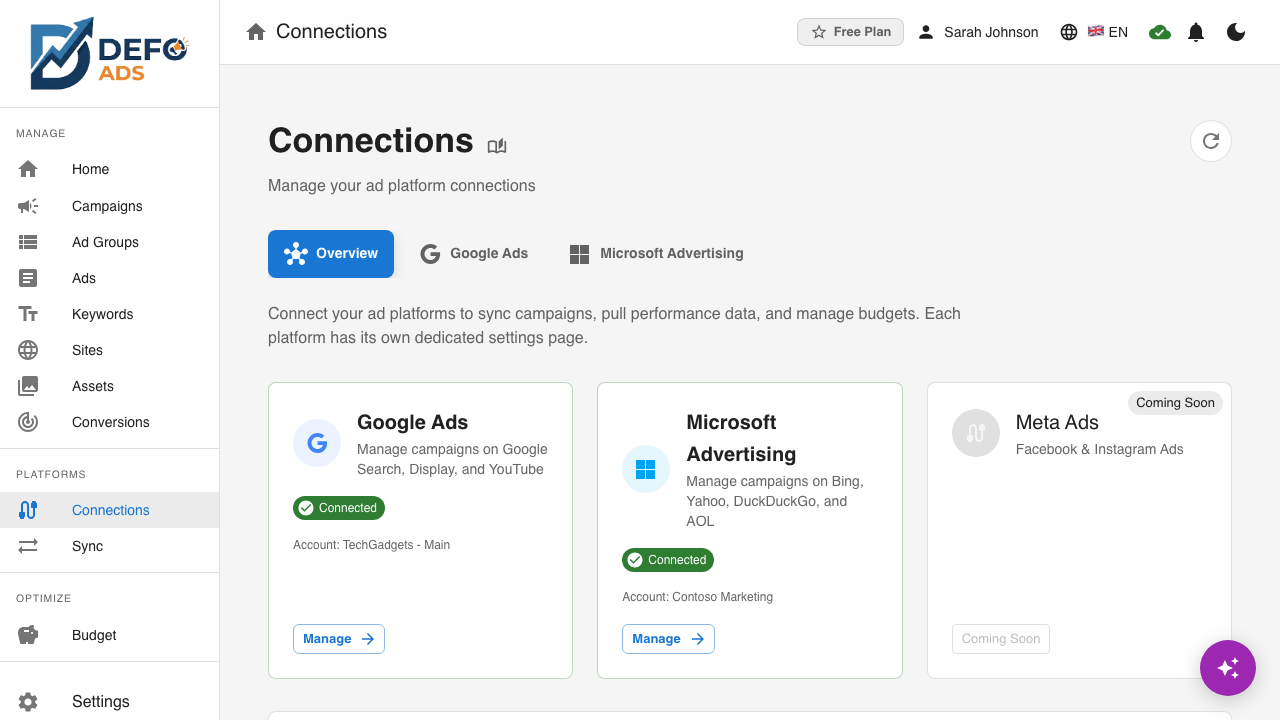
What you can ask for
The connector reaches the same account the app does — every Google Ads campaign, ad group, ad, keyword and report in your workspace.
Build a campaign
Describe the business and what you want to grow. You get a whole Google Ads campaign — ad groups, ads and targeting — staged for review.
Change what is running
Budgets, bids, status, ad copy and targeting on live Google Ads campaigns, edited in a sentence rather than across six screens.
Ask about performance
Spend, clicks, conversions and cost per conversion for any Google Ads campaign or date range, answered from your own numbers.
Check before you push
Validate a staged change against Google Ads’s real limits and see exactly what would be created, changed or paused.
What it reaches on Google Ads
The connector works over the same account link the app uses, so everything Growomat supports on Google Ads is in scope.
Search
Responsive Search Ads with live previews, keyword research and per-keyword performance — the core of the engine.
Display
Responsive Display Ads assembled from your asset library and validated against Google's format rules automatically.
Video
Video campaigns on YouTube, with every asset checked against format requirements before anything is sent.
Shopping
Shopping campaigns managed beside the rest of your account — one workspace, one budget view.
Performance Max
Asset groups for Performance Max, built from the same asset matrix that powers every other format.
Three steps
01
Connect Google Ads
Sign in to Growomat and link your Google Ads account. It is the same connection the app uses — there is nothing extra to configure.
02
Add the server
In Claude, find Growomat under Connectors and click Connect. In VS Code or Cursor, paste the endpoint above. Access is scoped to your workspace and can be revoked at any time.
03
Ask for something
Everything the connector can do is a tool your client can list, and each one is tagged so you see what it will touch before it acts.
Nothing reaches Google Ads on its own
Nothing reaches Google Ads until you push it. Changes are staged in Growomat and pushed on your command; the connector cannot publish to Google Ads behind your back. Every staged change is visible in the app, with what it would create, change or pause, and can be discarded before it goes anywhere.
Autopilot manages daily budgets and campaign status across Google Ads, Microsoft Advertising, Reddit Ads and Meta Ads. Keyword bids, negative keywords and bid modifiers are available on Google Ads and Microsoft Advertising only.
FAQ
No — it is Growomat’s. Your assistant talks to Growomat over MCP, and Growomat talks to Google Ads using the account you connected. That is what keeps every change reviewable in one place before it is pushed.
Anything that speaks MCP. The Claude apps, Claude Code, VS Code and Cursor are the ones we test against; the endpoint is the same for all of them.
Whatever your own account can reach, and nothing else. Access is scoped to your workspace, tied to your sign-in, and can be revoked from the app at any time.
Autopilot manages daily budgets and campaign status across Google Ads, Microsoft Advertising, Reddit Ads and Meta Ads. Keyword bids, negative keywords and bid modifiers are available on Google Ads and Microsoft Advertising only.
Where to go next
The setup guide, the REST API, and what Growomat does on Google Ads generally.
Run Google Ads from your assistant
Start free, connect Google Ads, and add the MCP server to your client in a couple of minutes.
Start free